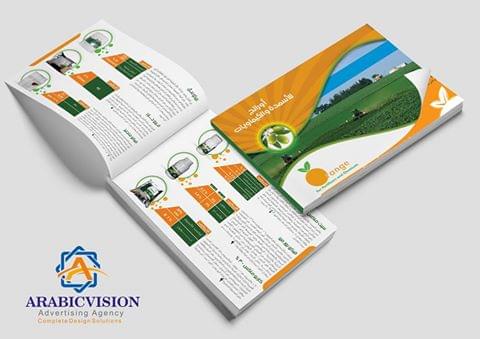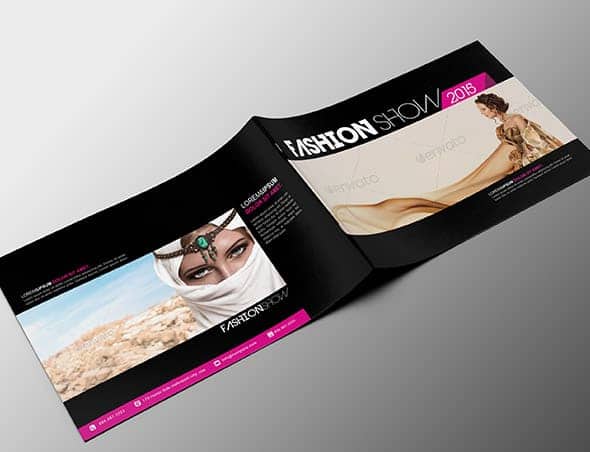

Bi-fold Brochure Template 4 Pages
Multipurpose Brochure Bi-Fold Template 4 Page
- A4 size – 210×297 mm
- 4 Pages: Bifold Brochure
- Resolution: 300 dpi
- Color mode: CMYK
- Bleed: 3 mm
- Psd File - Free Fonts - Editable Text Layers - Smart Object Layer For Replace Photo - Well Organized Layer
- A4 size – 210×297 mm
- 4 Pages: Bifold Brochure
- Resolution: 300 dpi
- Color mode: CMYK
- Bleed: 3 mm
- Psd File - Free Fonts - Editable Text Layers - Smart Object Layer For Replace Photo - Well Organized Layer
Request a similar design
Description
Multipurpose Brochure Bi-Fold Template 4 Page
- A4 size – 210×297 mm
- 4 Pages: Bifold Brochure
- Resolution: 300 dpi
- Color mode: CMYK
- Bleed: 3 mm
- Psd File - Free Fonts - Editable Text Layers - Smart Object Layer For Replace Photo - Well Organized Layer
Free Font Used
Photos not included
Photos links:
Basic Changes Instruction
1. Open the psd file.
2. Start editing by simply clicking over the wordings using the text editing tool. It is a “T” icon by the left toolbar. You can also press “T” to toggle it as a shortcut key.
3- You can Editing the photo by smart object Just Double click in photo here smart object than put your photo and when you finished go to file ==> Save Now you are done. Have fun. :)